Just spent a very pleasant morning organizing the new set-up in my Personal size Finsbury.
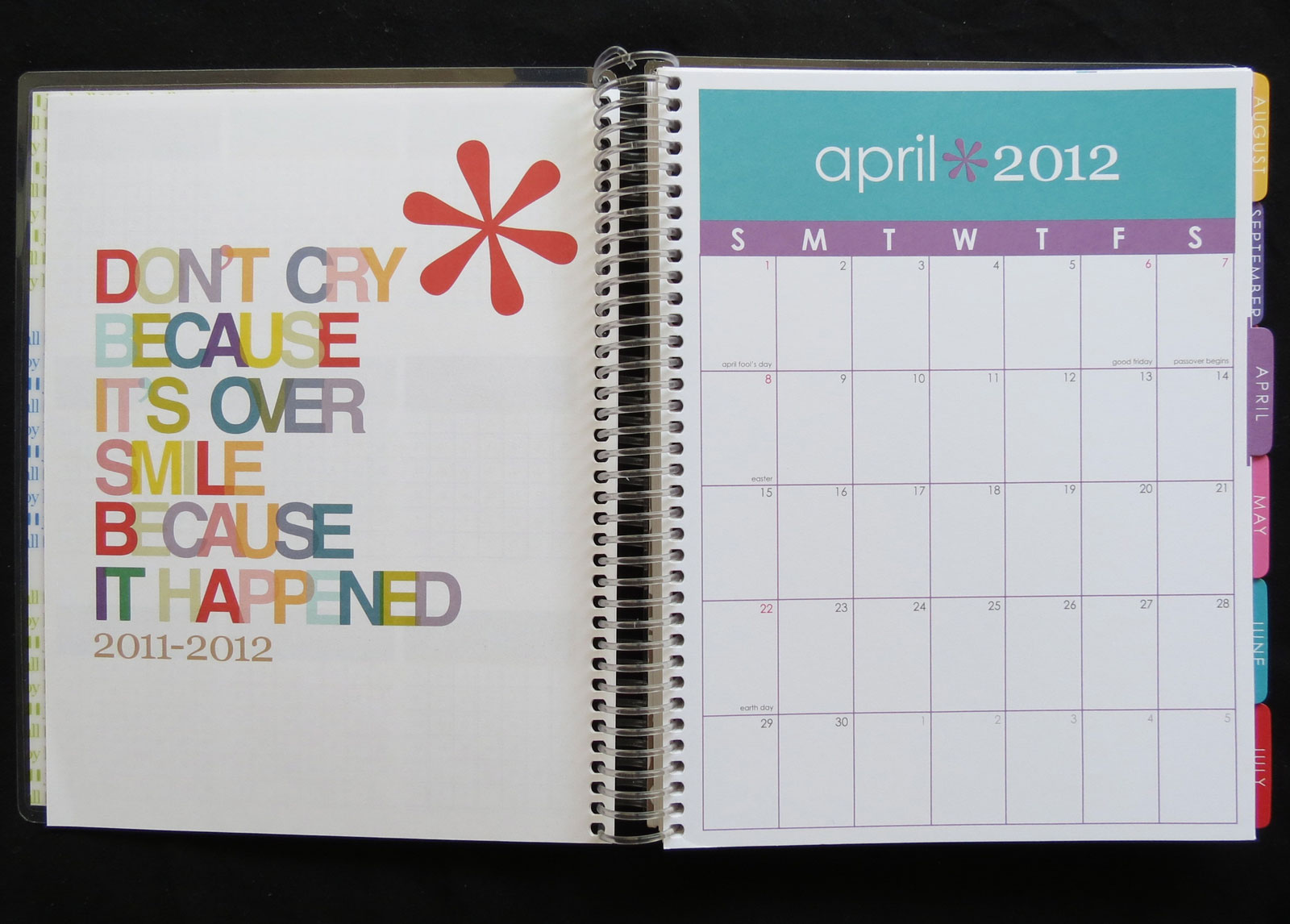
I've gone back to Finny after a torrid but brief love affair with the Erin Condren Life Planner. The Condren planner is gorgeous...
and really fun to use (love all those colors and pithy quotes):
But it weighs a ton and is just a little too big to conveniently throw into my handbag and take along. And at $50 plus shipping charges, it really does require complete commitment. Ultimately, though, I just got frustrated with not being able to move things around in it. Same problem I always have with bound planners -- I'm attracted to them, but in the end they always let me down. Planner love hurts.
Which reminds me -- I need to do a blog post about all the planners I've tried this year. More on that later.
Right now, I just want to do a little Filo show and tell. For my 2013 system, I'm going with both monthly (month on two pages)
and weekly (week on two pages, horizontal spread) diary pages.
That seemed to work pretty well this year, so thought I'd try it again. And next year, for the first time, I'm going to give these Filofax day-planner pages a try:
That means monthly, weekly, AND daily scheduling and notes, which definitely could be overkill. Especially if I'm going to go on keeping my
separate daily diary, too. So -- not sure how long that will last.
And I finally decided to go ahead and do a little tab editing.
Up to now I've just used the tabs that came with the Filo (Diary, Notes, Projects, Information, Financial, Addresses), but I've never been really satisfied with those designations (I never really used the Financial tab at all, since I don't keep financial info in my planner). So I got out my trusty P-Touch and printed up some labels with my own categories, and pasted them on.
"Monthly" and "Weekly" are obvious. The "Daily" tab will house those day-planner pages (at least until I figure out if they're usable or not). "Lists/Info" is also self-explanatory; I've cleared out all the old lists, so right now all I've got is a list of movies I want to watch, and a few shopping notes.
The "Projects" section is a bit of a catch-all area. At the moment it's mostly taken up with lists of household projects and plans. But I'm hoping to use it for various craft projects too, when I get around to doing crafty things again.
And the "Addresses" section remains the same. Won't show any photos of that, since I'm using it to store a few passwords and personal info, too. All in code, of course, but even so....
One of these days, I really want to make my own tabbed dividers using decorative papers or cards -- something a little more colorful and interesting than these generic manila dividers. But that's a project (and a blog post!) for another day.